Tracking & readiness
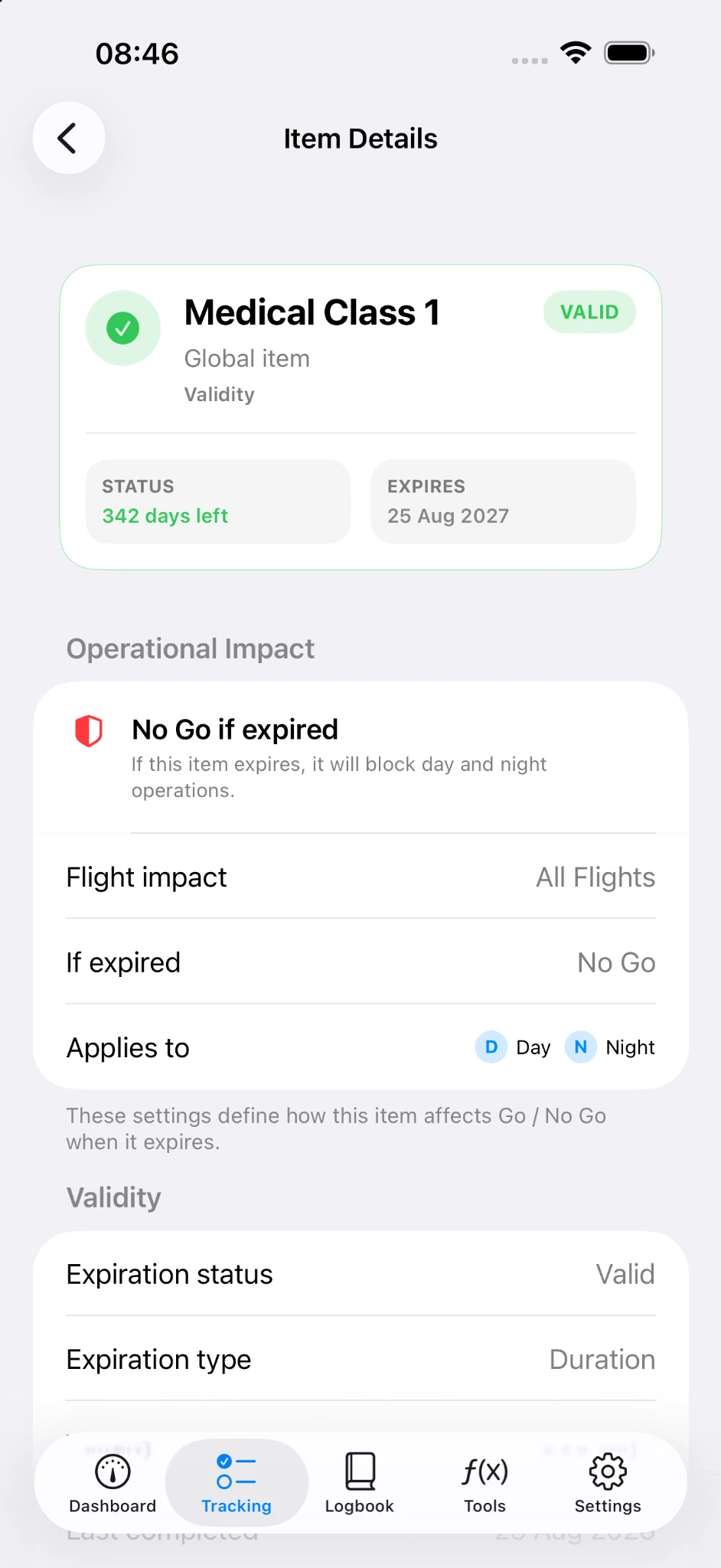
Validity, recency, upcoming items and operational impact — including day/night effects.
PilotTrack brings aviation validity and recency tracking, logbooks, quick flight capture and practical pilot tools into one clean workflow.
From staying current to recording a flight, PilotTrack keeps the pieces close without turning the interface into a cockpit of menus.
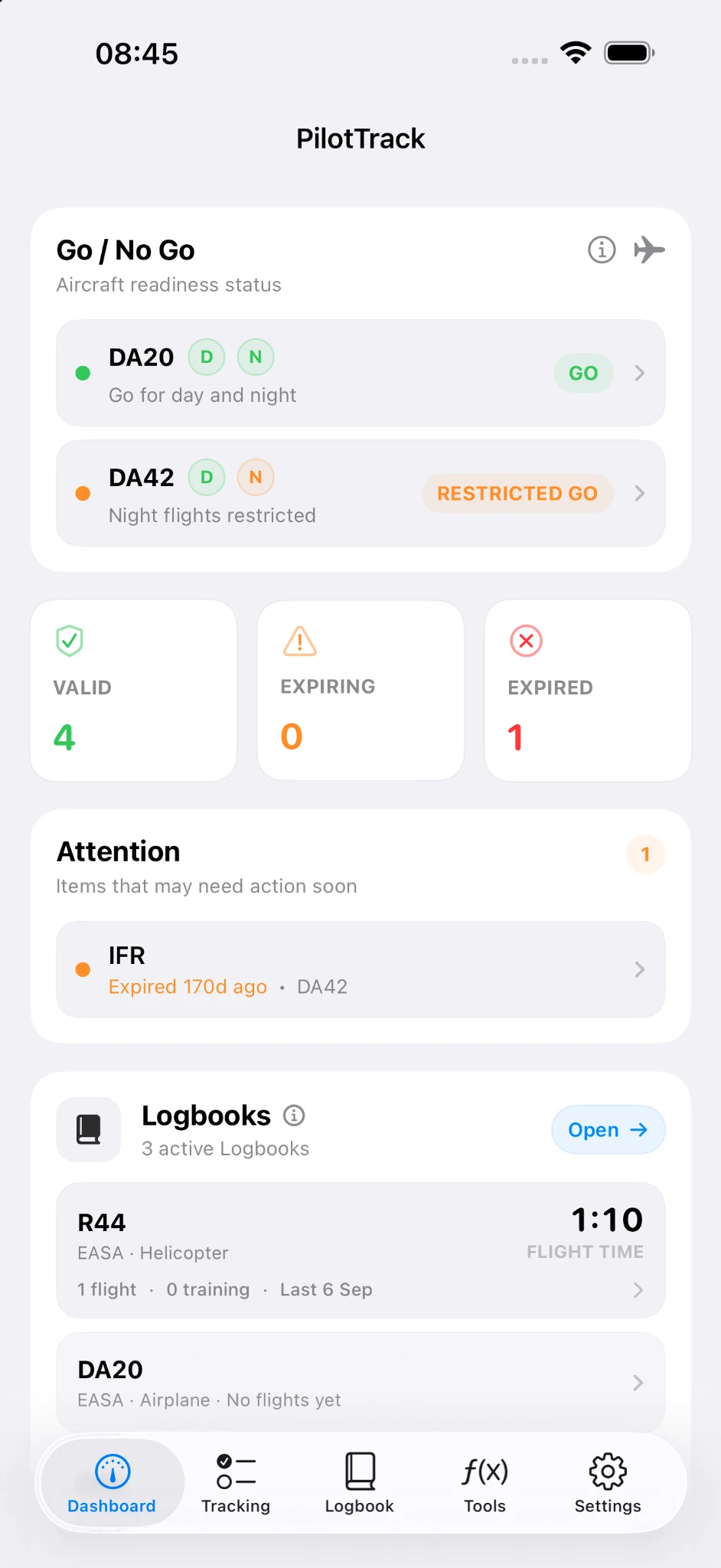
Validity, recency, upcoming items and operational impact — including day/night effects.
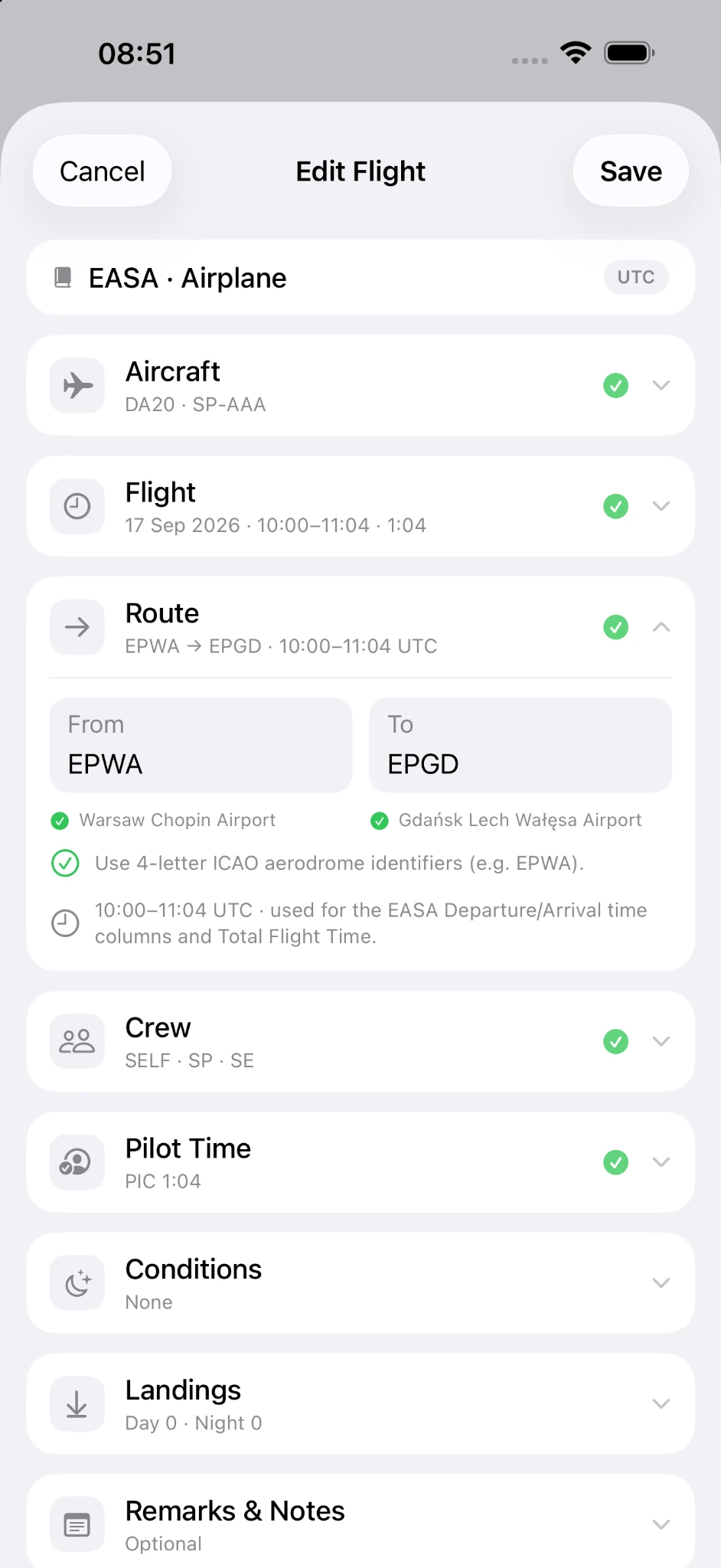
Keep flight records alongside the requirements that matter to your flying.
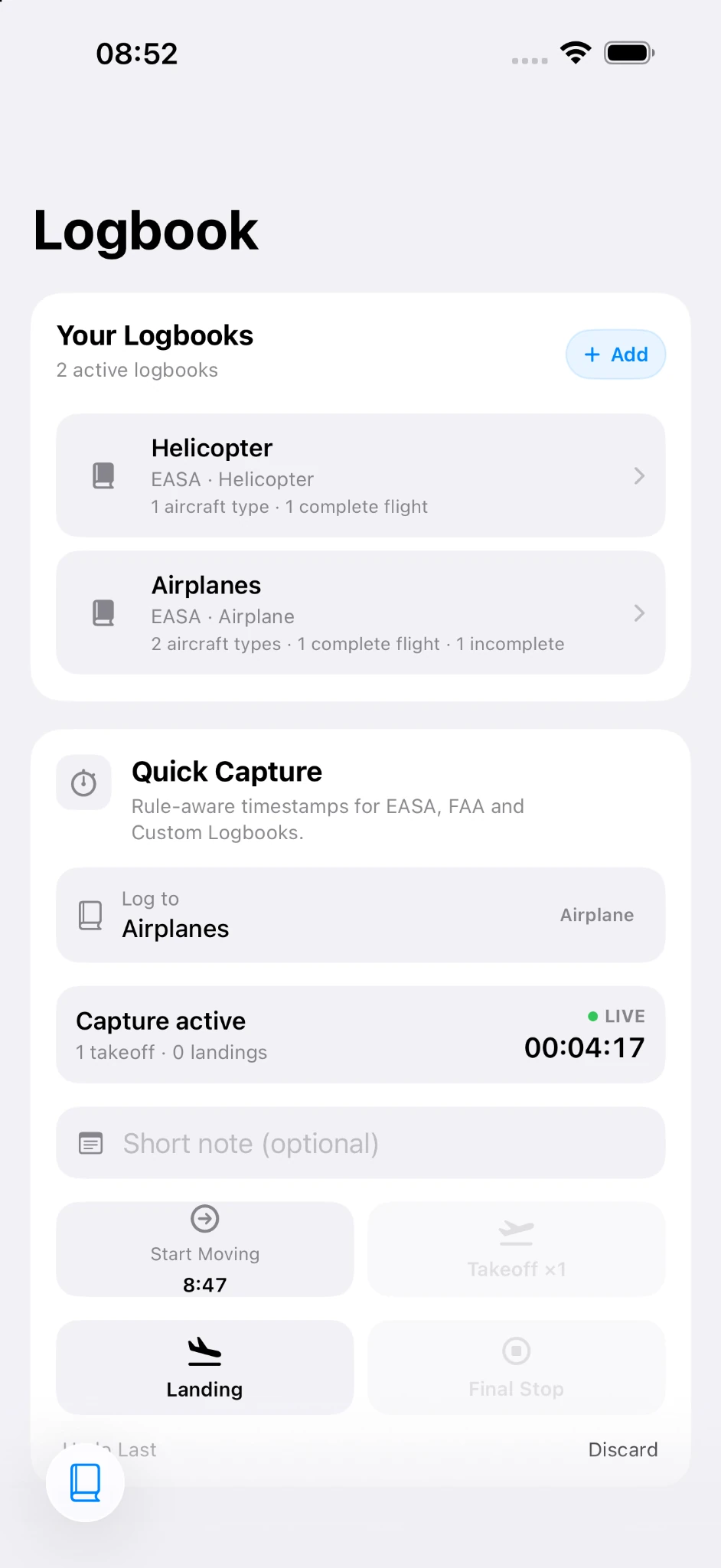
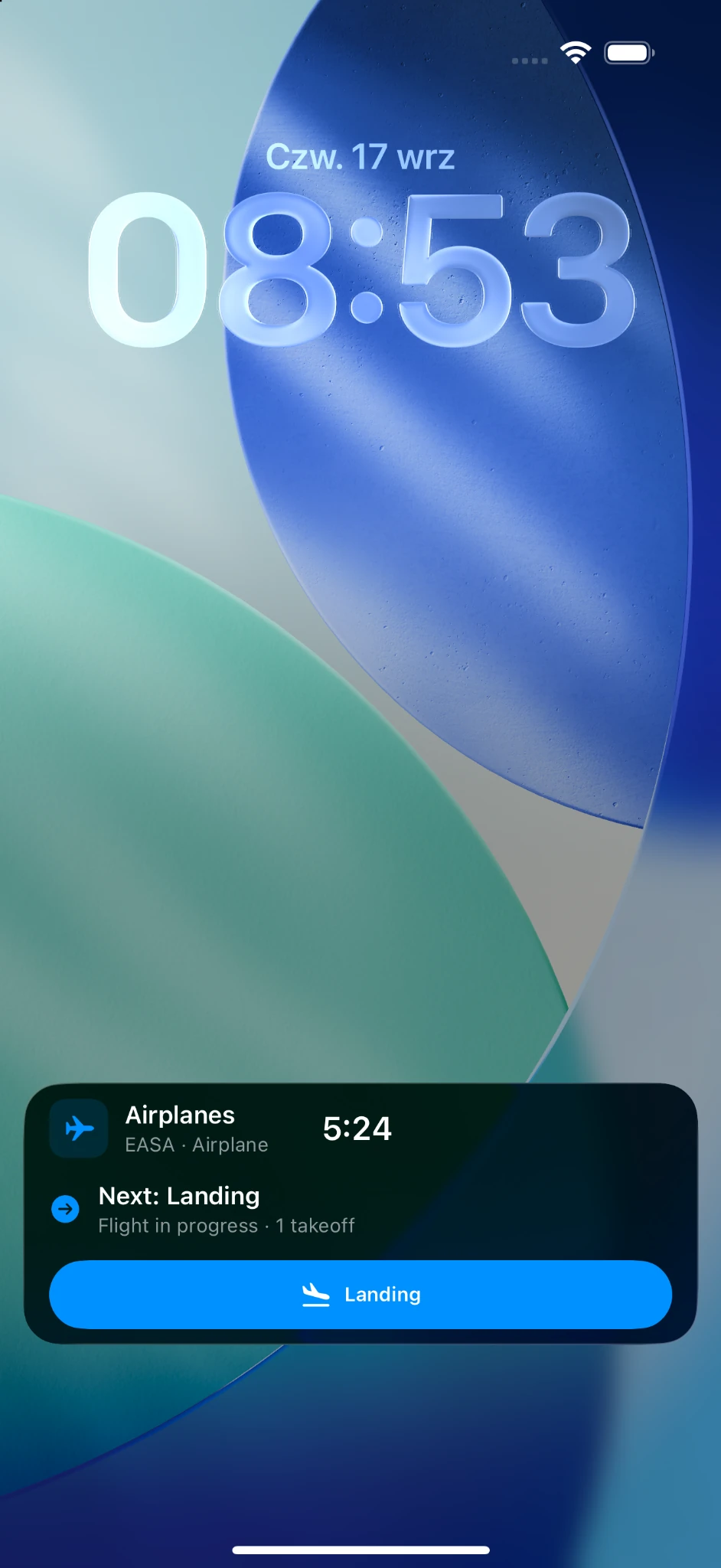
Capture flight timing as it happens, including a live Lock Screen view during an active flight.
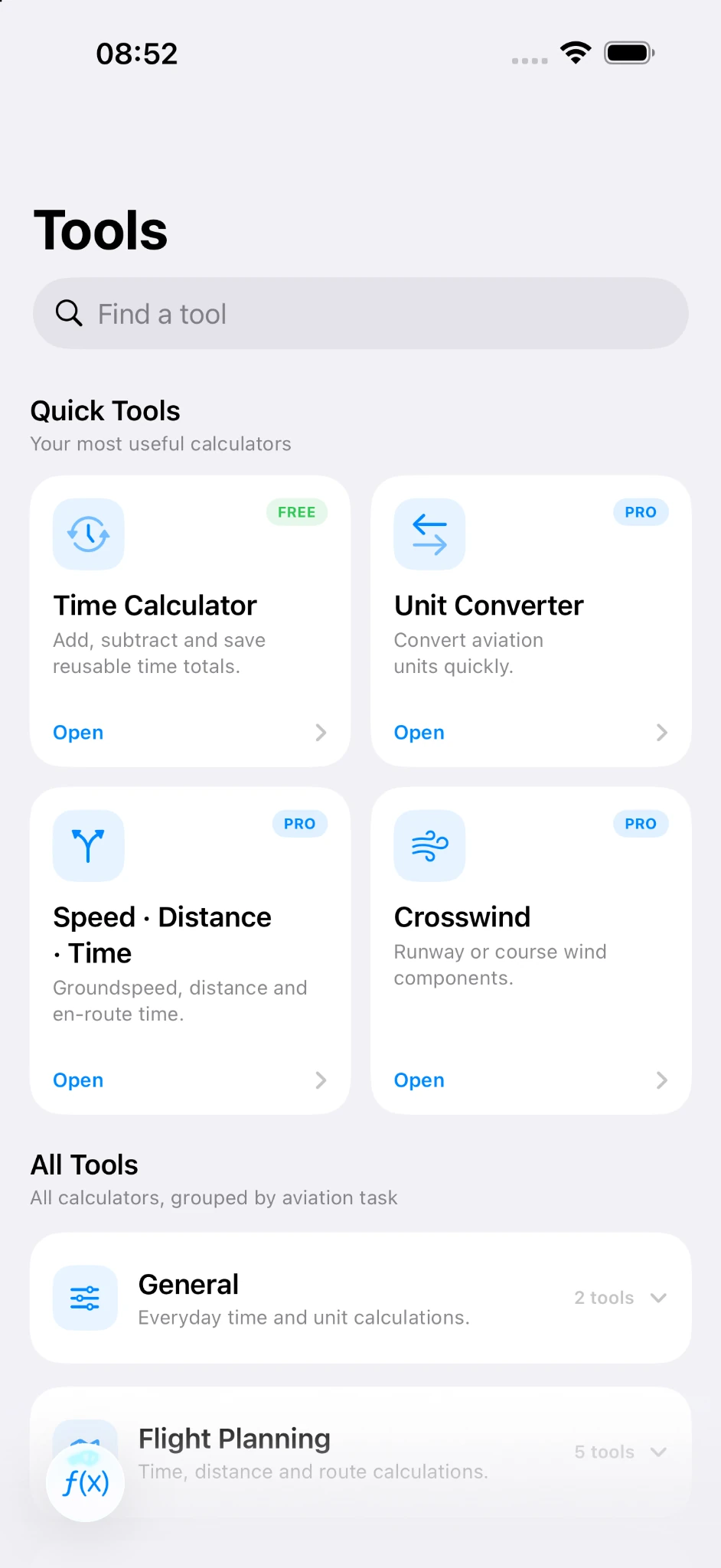
Fast calculators for time, units, flight planning, wind and other everyday aviation tasks.
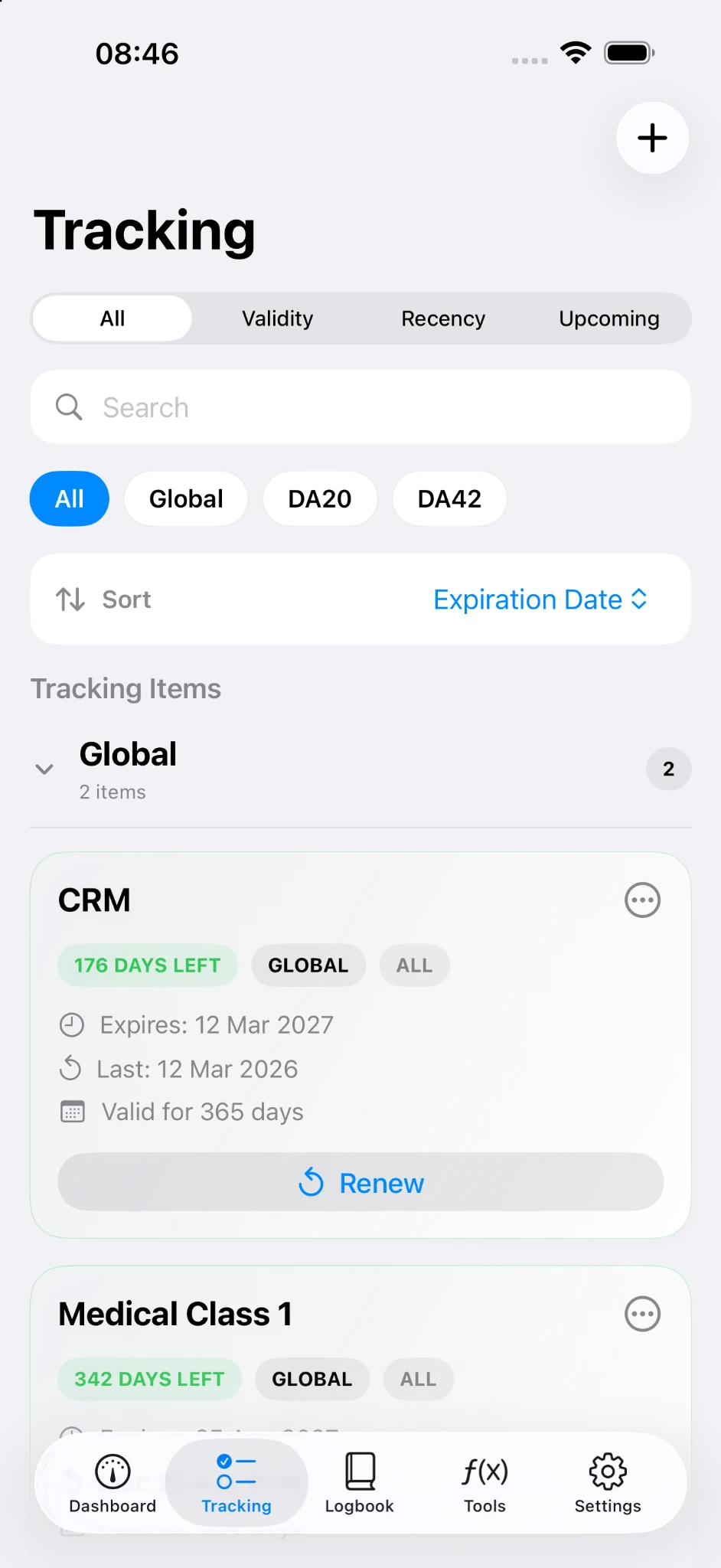
Track global or aircraft-specific requirements, separate validity from recency, and surface the items that need attention.
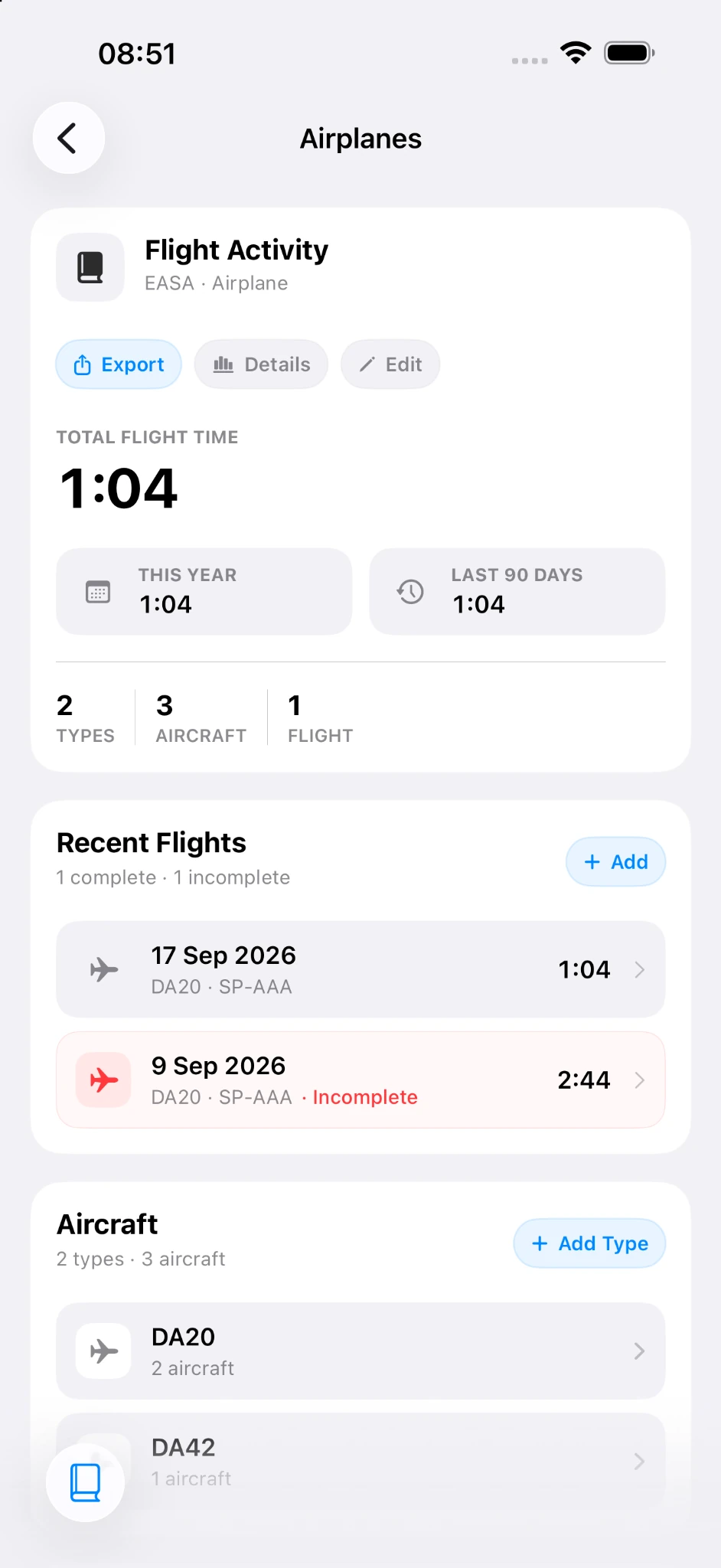
Create separate logbooks, review totals and recent flights, and capture timing without leaving the workflow.
An active capture can stay visible on the Lock Screen, showing elapsed time and the next event without reopening the app.
PilotTrack groups common aviation calculators by task so the tools you reach for most stay easy to find.
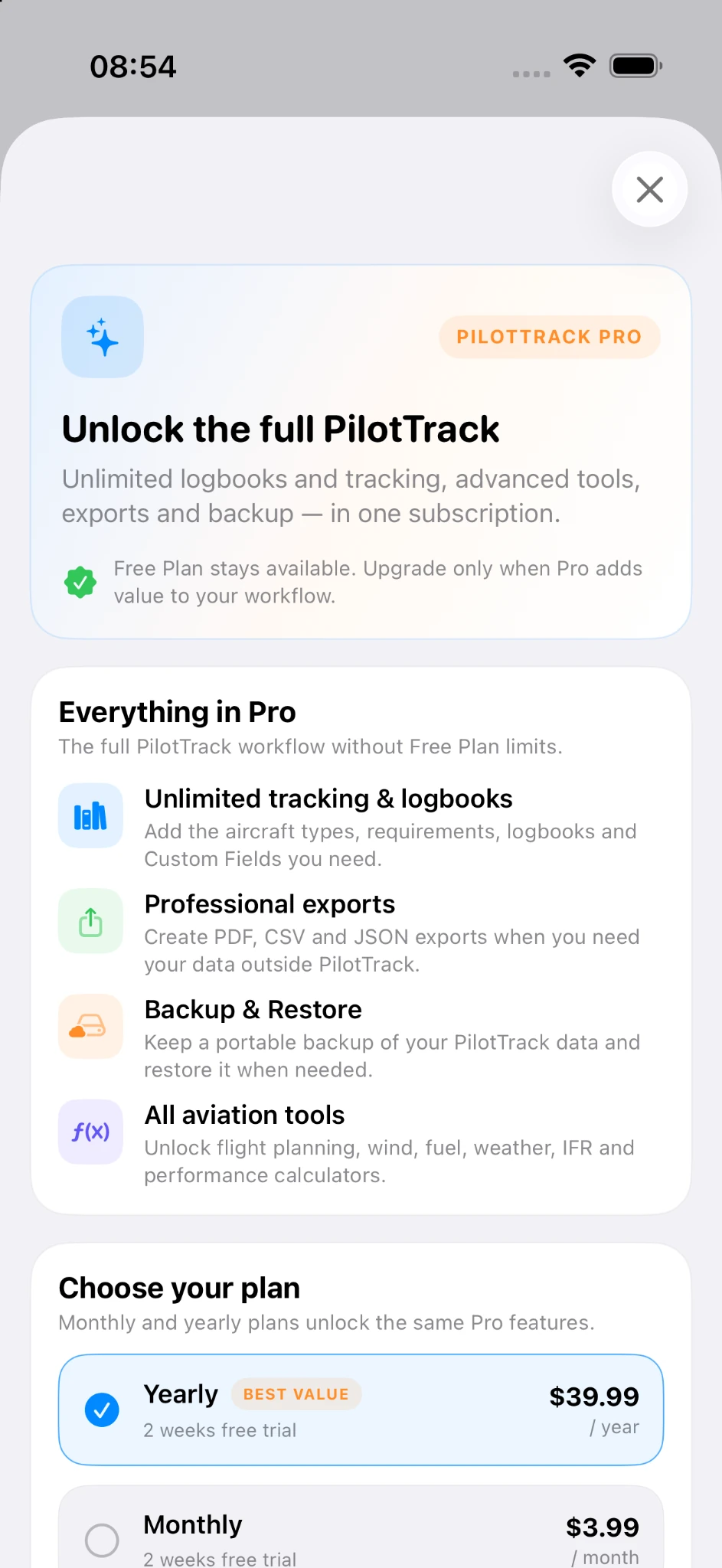
The Free Plan stays available. Pro removes Free Plan limits and unlocks the full PilotTrack workflow.
US App Store pricing shown. Local pricing may vary by storefront.
2 weeks free trial
2 weeks free trial
PilotTrack does not replace official records, regulations, approved company procedures, medical advice or operational decision-making. Readiness indicators and calculations depend on the information entered by the user and should be verified against the applicable official sources.
Yes. PilotTrack now includes logbooks alongside validity and recency tracking, readiness information, Quick Capture and aviation tools.
Quick Capture is designed for EASA, FAA and Custom logbooks. Users remain responsible for ensuring their records meet the requirements that apply to them.
No. PilotTrack is an organizational aid. Always verify your status and records against applicable official documents, regulations, approved systems and procedures.
Yes. The Free Plan remains available. PilotTrack Pro removes Free Plan limits and unlocks additional tools, exports, backup and other Pro features.
Yes. PilotTrack Pro includes PDF, CSV and JSON exports as well as Backup & Restore.